
Deploy a Docker image
Run a prebuilt image when your CI already builds one, or to run off-the-shelf software. Ployz pulls the image onto your servers and runs it, with nothing to build.
Add a service from an image
Section titled “Add a service from an image”Before you deploy, find the port the image listens on, like 80 for nginx. Ployz sends traffic
to the port in the service's PORT variable, 8080 unless you set it, so give it the image's
port: on the domain, or as a PORT variable.
- Open your project and click Create, then Docker image.
- Enter the image, such as
nginx:1.27, and click Continue. For a private image, add its credentials next. - If it should be public, open the service's Settings → Networking, click Generate Domain, and enter the image's port in Port.
- Click Deploy in the bottom bar.
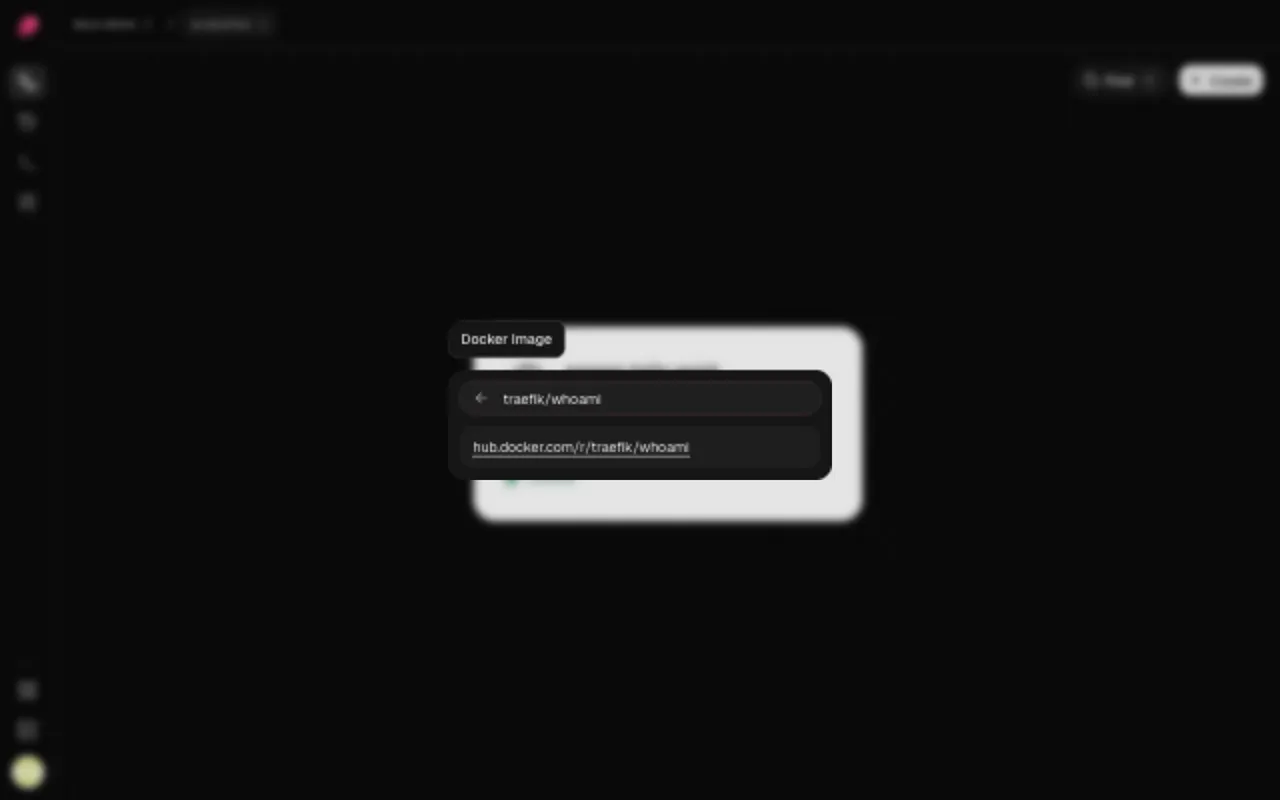
Write the image the way docker pull takes it. Without a tag, Ployz uses latest.
| Registry | Example |
|---|---|
| Docker Hub | nginx:1.27, acme/web:1.4.0 |
| GitHub Container Registry | ghcr.io/acme/web:1.4.0 |
| Any other registry | quay.io/acme/web:1.4.0, registry.gitlab.com/acme/web:1.4.0 |
| A pinned digest | ghcr.io/acme/web@sha256:… |
Mixed servers. If your servers mix x86 and ARM, the image needs both a linux/amd64 and a
linux/arm64 variant.
Change the image or its tag
Section titled “Change the image or its tag”- Open the service and go to Settings → Source.
- Click the pencil next to Container image, enter the new image and click Continue.
- Deploy the change.
Ship a new version of your image
Section titled “Ship a new version of your image”Ployz doesn't watch registries, so pushing a new image deploys nothing. Deploying the same tag
again doesn't help either: a server that already has latest keeps its old copy.
Give each release its own tag, like 1.5.0 or the Git commit, and change Container image
to it. Doing that from your CI after it pushes the image is CLI-only:
# In CI, signed in with an organization token in PLOYZ_TOKEN
ployz set 'web.image=ghcr.io/acme/web:1.5.0'
ployz deploy web
With more than one project, or to deploy to an environment other than the default, add
--project and --env to both commands. See
CLI and coding agents to make the token.
Use a private image
Section titled “Use a private image”- Open the service and go to Settings → Source.
- Under Registry credentials, click Add credentials.
- Fill in what the form asks for your registry, and save it.
- Deploy the change.
| Registry | What to enter |
|---|---|
| Docker Hub | Your Docker ID and a personal access token |
| GitHub Container Registry | A personal access token with the read:packages scope |
| GitLab Container Registry | Your username and a token with the read_registry scope |
| Quay.io | A robot username (namespace+robotname) and its token |
| Google Artifact Registry | A service account's JSON key |
| AWS ECR Public | A token from aws ecr-public get-login-password --region us-east-1 |
| Any other registry | A username and a password or token |
Ployz stores the secret encrypted and never shows it again; the service shows Credentials configured. To replace it, click the pencil. A new secret takes effect at once, not as a staged change, and Discard can't bring the old one back. Disconnect stops using credentials from your next deploy, and Restore undoes it until then.
An expired token fails the next pull. Use a long-lived token where your registry offers one. ECR Public tokens are short-lived, so replace the secret before each deploy.
Override the start command
Section titled “Override the start command”A service runs the image's own command. To run something else, such as a worker from the same image:
- Open the service and go to Settings → Deploy.
- Click Start command and enter the command, like
npm run worker. - Deploy the change.
The start command replaces the image's CMD, runs with /bin/sh -c, and keeps the image's
ENTRYPOINT. Minimal images without a shell can't take one. Clear the field to go back to the
image's own command.
Next: give your app its variables.