Multiple servers
Grow past one server.
Add the next server with one command. Every server balances its own traffic, with no Kubernetes.
visitors → any online server
Caddy · https
- web
- web
Caddy · https
- web
Caddy · https
- web
- postgres+ volume
private WireGuard network between servers
web: 4 of 4 replicas serving. Any online server takes a request and hands it to one of them.
postgres: one replica, on server-3, where its volume is.
Add replicas, then take a server offline and see what keeps serving.
No load balancer to rent
Caddy runs on every server and hands each request to a healthy replica, on any server.
No control plane
No leader, no three-server minimum, no etcd. Every server is equal.
Services find each other
Your app reaches postgres.internal on any server, over the private WireGuard network.
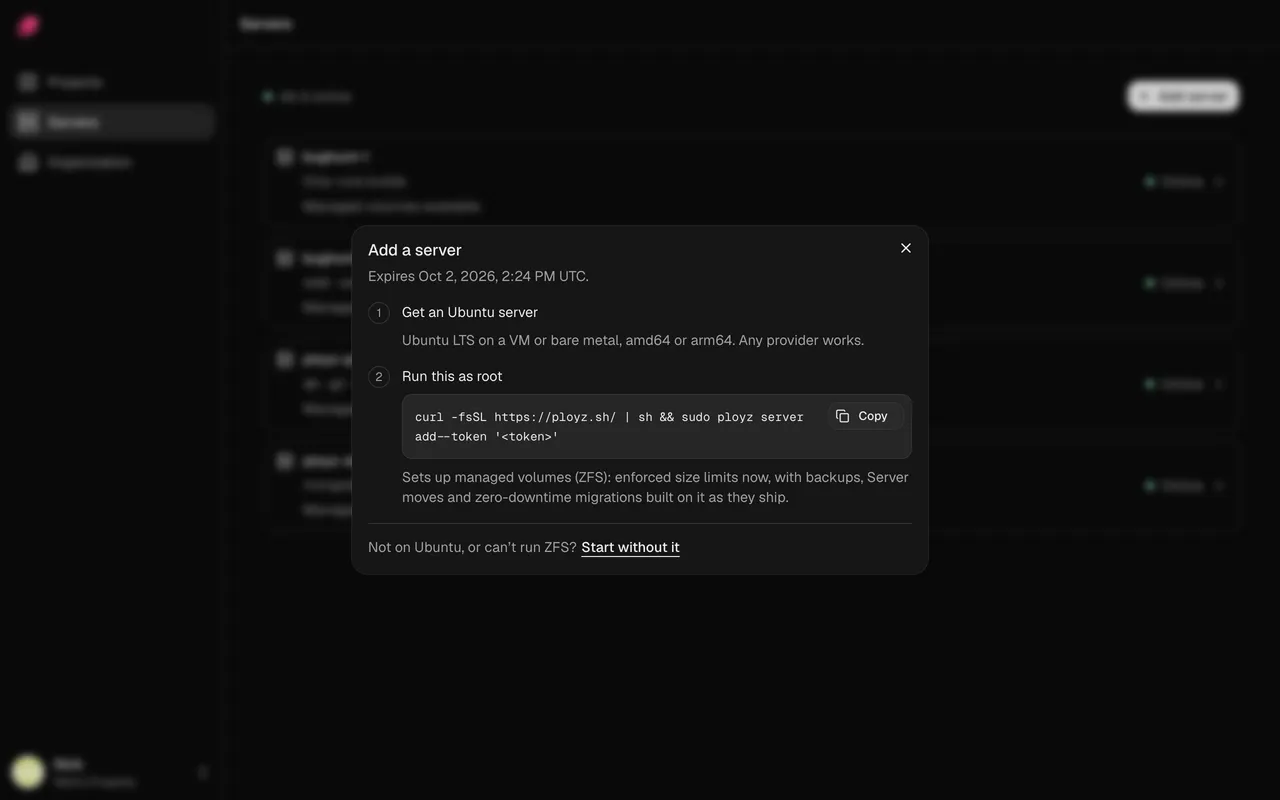
Add a server with one command.
Paste it on any Linux server, at any provider. The server joins your private WireGuard network, ready for builds, services and web traffic.
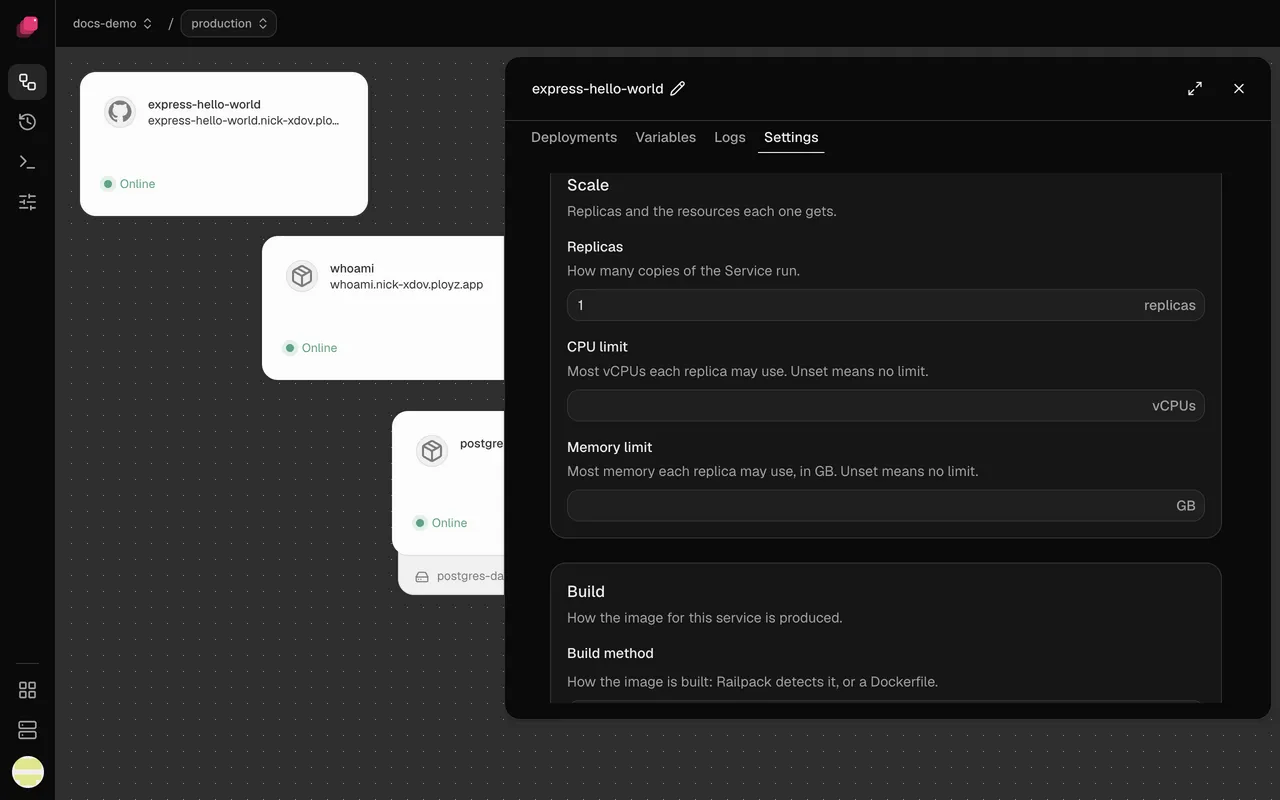
Up to 50 replicas.
Set Replicas and deploy. Each server gets one replica before any server gets a second.
Compared with the platforms.
| What you need | Heroku, Render, Railway, Fly.io | Ployz on your server |
|---|---|---|
| Cost per copy | Billed per dyno, instance or Machine | Nothing. Replicas share your servers |
| Three copies of a 512 MB app | Heroku $75, Render $21, Fly.io about $11 | Three Hetzner CX23 servers, about $21 |
| Where copies run | One region on Heroku and Render | Any server you add, at any provider |
| Copies with a disk | One copy on Render, Railway and Fly.io | One replica, on the volume's server |
| Scales on its own | Heroku Performance dynos, Render Pro | No. You set the replicas |
More numbers in PaaS pricing compared.
Good to know.
- No automatic failover: replicas on other servers keep serving, nothing moves.
- A database lives on one server, and Ployz doesn't back up databases yet.
- Replicas move only on deploy, so a new server sits empty until then.
- No autoscaling, and no routing visitors to the nearest server.
Questions
Can Docker Compose run across multiple servers?
No. Compose runs a stack on one Docker host. Spreading containers over servers needs Docker Swarm, Kubernetes, Nomad, or a tool like Ployz that places replicas and routes between servers.
Do I need Kubernetes to scale an app across servers?
No. Ployz runs plain Docker on each server, a WireGuard network between them and Caddy for https. Placement happens when you deploy, with no scheduler running in the background.
What happens when a server goes down?
Replicas on your other servers keep serving. Services that ran only there stay down until you redeploy them with the CLI. A database on that server is down until it's back.
Can I mix providers, like Hetzner and DigitalOcean?
Yes. Any Linux server with systemd, amd64 or arm64, can join, as long as your servers reach each other on UDP port 51820.
Do my apps stop if Ployz Cloud goes down?
No. Each server routes requests itself and keeps the state it needs. Deploys stop until it's back. Generated ployz.app addresses rely on Ployz's hosted DNS.
What does it cost?
Free on your own servers, with unlimited servers, replicas and projects. Custom domains are $9 a month. You pay your provider for the servers.
Your servers. The whole platform. Free on your own servers.
Deploy your appFacts checked 2026-10-02.