
Deployments
Nothing you change in the dashboard reaches your servers until you deploy it. Your edits pile up as staged changes, like a draft, and Deploy makes your servers match. Each deploy becomes a deployment, with its own page and logs.
Stage changes
Section titled “Stage changes”Every edit saves as you make it, and your services keep running as they were. A staged field turns pink until you deploy it (hover it to see what's running now), and the bottom bar counts your changes, like Apply 3 changes.
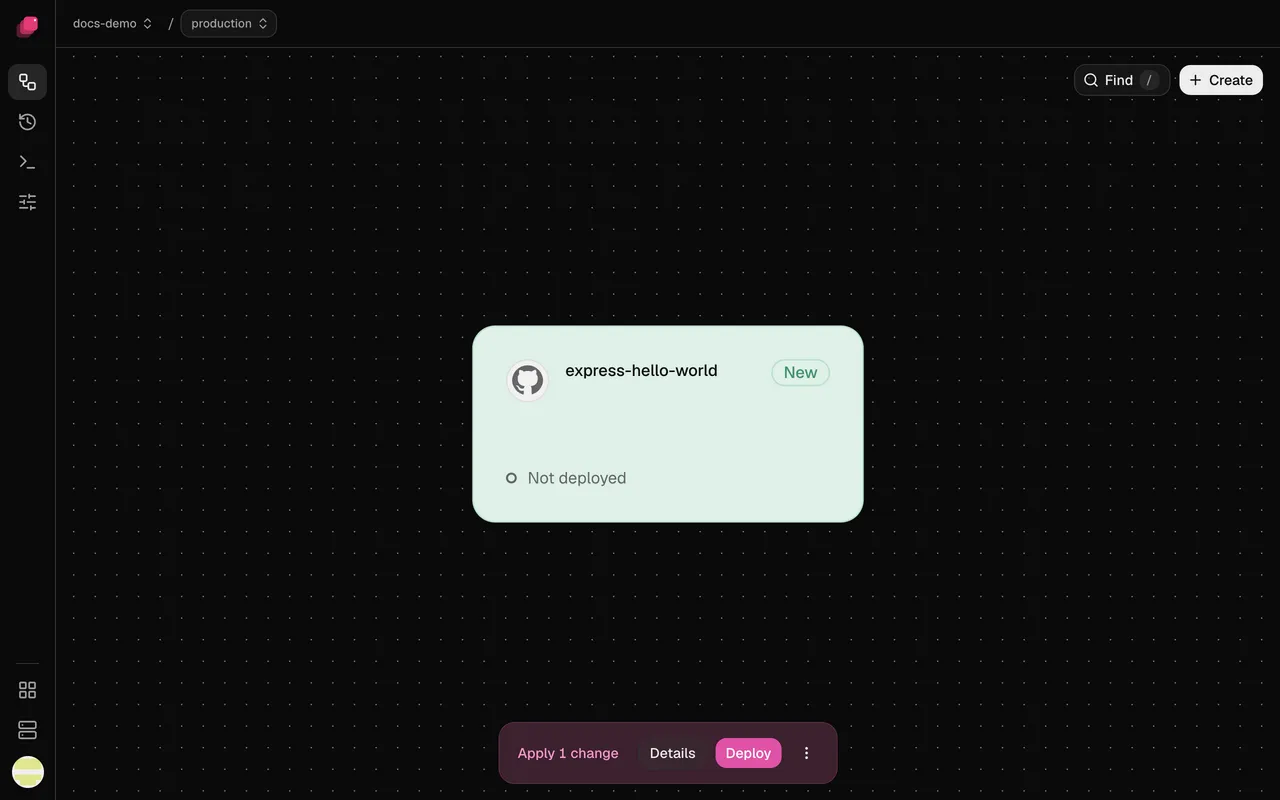
Deleting a service, volume, variable or domain is staged too; discard it and it comes back.
A few settings apply the moment you change them instead, and Discard doesn't undo them: Auto-deploy, Wait for CI, Watch paths, Preferred Builder and a new secret for a private image.
Deploy your changes
Section titled “Deploy your changes”- In the bottom bar, click Details to review each change. Add a Deploy message (optional) if you like.
- Click Deploy changes. Deploy in the bottom bar skips the review.
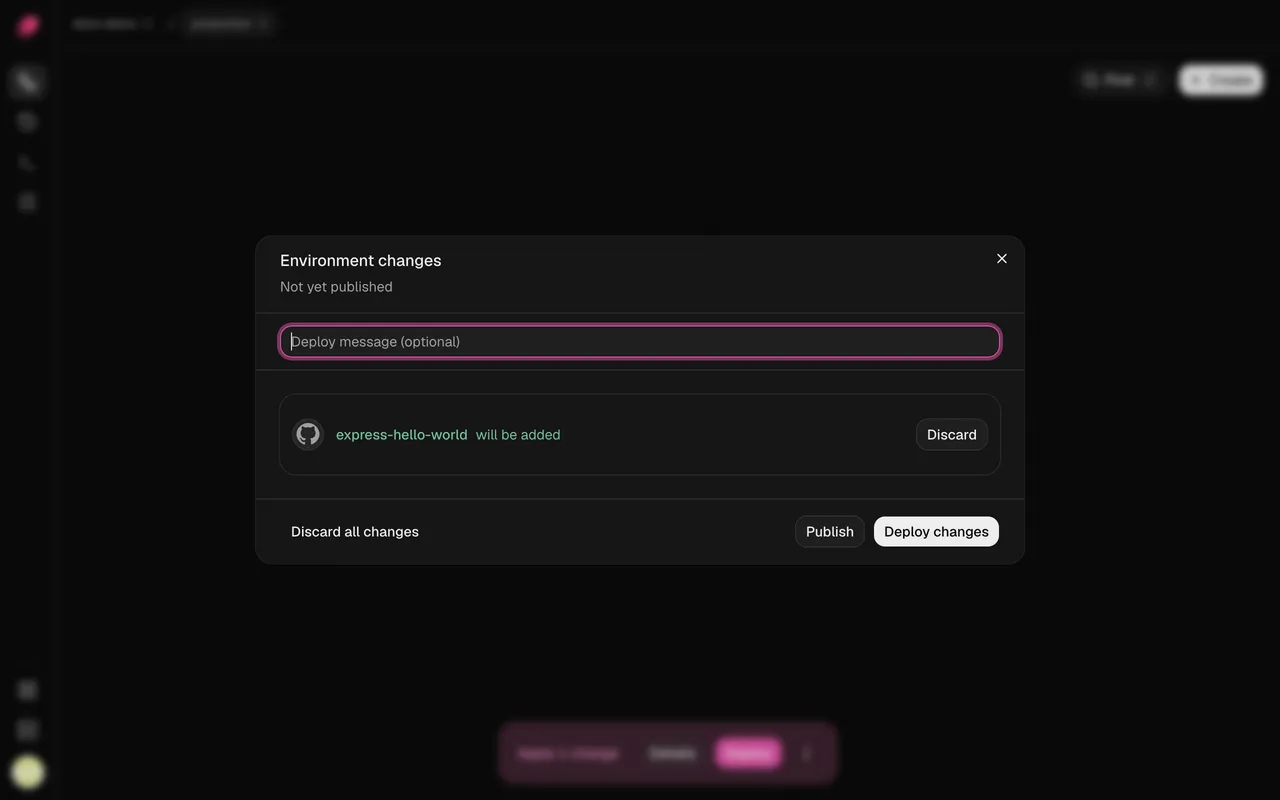
Ployz opens the new deployment's page. A deploy covers the whole environment, not only what you changed: every GitHub service moves to the newest commit on its Git branch, and if you've added or lost a server, replicas spread over the servers you have now (if a service's volume was on a lost server, see When a server goes down). Everything else keeps running as it is.
Publish in Details saves your changes without deploying them. Your next deploy takes them along, including one started by a push to GitHub; changes you haven't published stay behind.
To undo, click Discard beside a change, or open ⋮ and choose Discard all changes. Discarding a service or volume you never deployed deletes it.
The dashboard's Deploy needs a staged change. Deploying again with nothing staged is CLI-only for now:
ployz deployWhen another deployment is running
Section titled “When another deployment is running”An environment runs one deployment at a time. While one runs, Deploy reads Deploy next and yours waits as Queued. If you deploy again while one is waiting, the newest one takes its place.
Follow a deployment
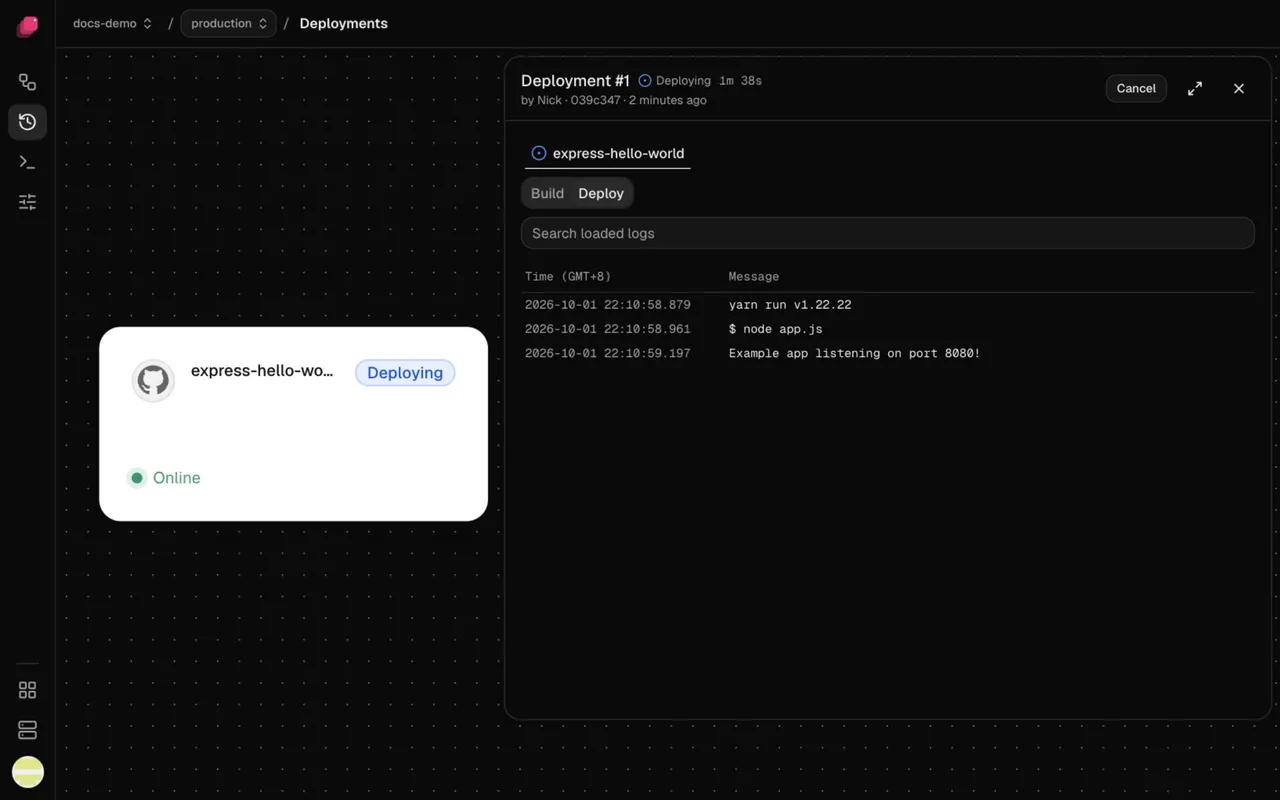
Section titled “Follow a deployment”Deployments in the sidebar lists every deployment, newest first. A deployment's page shows its status, who started it and the commit it ships, and if it failed, the reason in red under the header. Each service it included has a tab with its Build and Deploy logs.
| Status | What it means |
|---|---|
| Queued | Waiting for another deployment, or for GitHub Actions to build it |
| Deploying | Building, then rolling out |
| Deployed | Every change applied |
| Failed | Something stopped it. A service marked Not attempted never started. |
| Cancelled | Someone cancelled it |
| Unknown | Ployz can't tell what applied. Retry it. |
Retry or cancel a deployment
Section titled “Retry or cancel a deployment”- Retry, on a failed, cancelled or unknown deployment, ships the same commit and settings again. To ship a fix, change it and deploy instead.
- Cancel, on a running deployment, stops it at its next step. What it already changed stays until your next deploy.
- On a queued deployment, Deploy now starts it if nothing is running ahead of it, and ⋮ → Cancel deployment… takes it out of the queue.
Deploy without downtime
Section titled “Deploy without downtime”Ployz swaps in the new version one replica at a time: it starts a new one, waits until it's ready, then stops an old one, so your app keeps serving.
- Set a health check. Under Settings → Deploy, set Healthcheck to a path like
/up. A new replica is ready when that path answers with a 2xx status. A redirect, tohttps://or/loginfor example, fails the check. Without a health check, the old replica stops a few seconds after the new one starts, ready or not. - A service with a volume has a short gap. Its old replica stops first, so two never write the same files.
- Migrations run first. A Pre-deploy command, like
npm run migrate, runs once with the new code before any replica is replaced. If it fails or runs past 5 minutes, the deployment fails and the old version keeps running. - Services start in order. If
web's variables reference${{ postgres.DATABASE_URL }},postgrescomes up first.
When a deploy fails
Section titled “When a deploy fails”Where a new replica doesn't come up, the old one keeps serving. Ployz doesn't roll back: what was already replaced keeps the new version, and services later in the order stay as they were.
Fix the cause and deploy again; see Troubleshooting deployments. Or click Fix it on a branch on the deployment's page to try the fix in a branch first.
Confirm a deploy that deletes data
Section titled “Confirm a deploy that deletes data”When a deploy would delete a volume's data, like a deleted volume or database, Deploy deletes
data lists what goes. Type your project/environment, like my-app/production, and click
Deploy. If you didn't mean it, cancel, then discard the deletion in Details.