
Logs
Ployz shows what your services print, live from your servers. Each deployment also keeps its build output, so you can see why a build failed.
See your logs
Section titled “See your logs”- Open your environment.
- Click Logs in the sidebar.
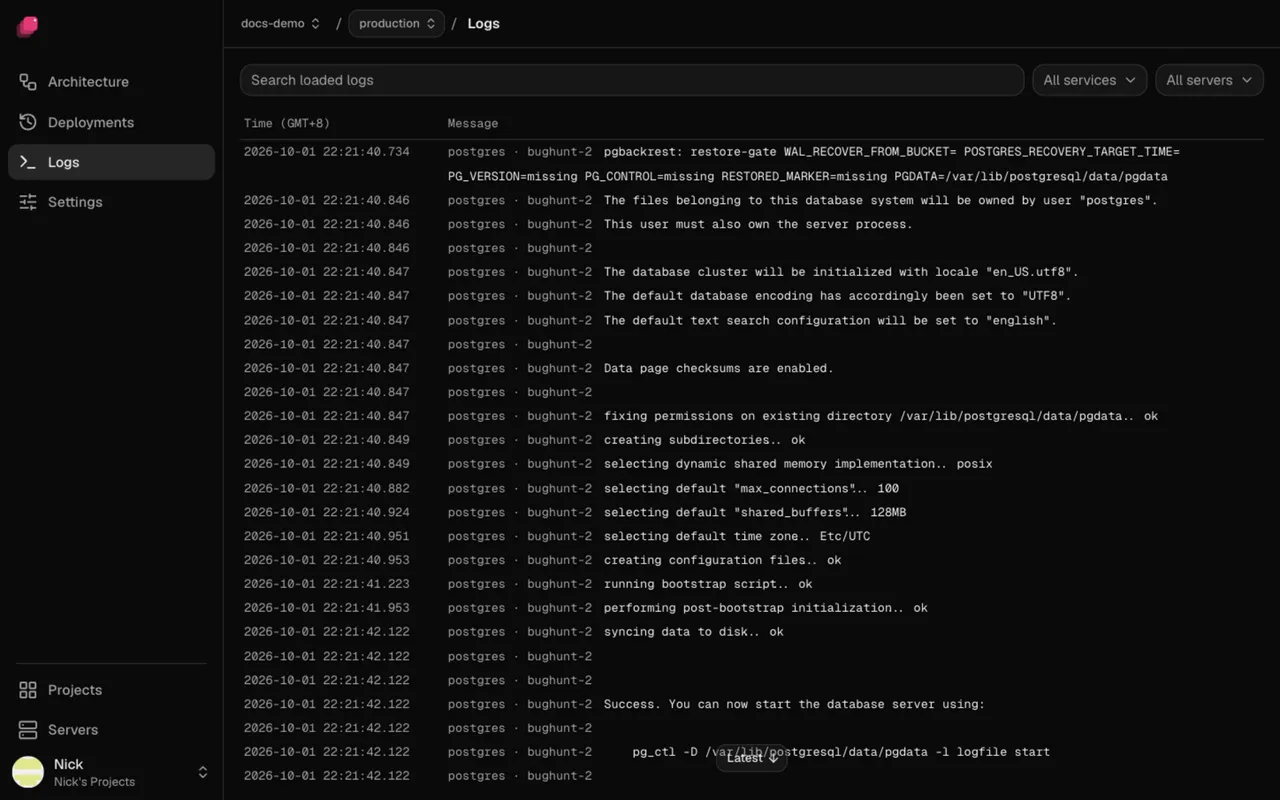
Lines from every service arrive as they're written. All services and All servers narrow the list, and Search loaded logs filters it. Scroll up for older lines; Latest brings you back to the end.
For one service, click it on the canvas and open its Logs tab.
See a deployment's logs
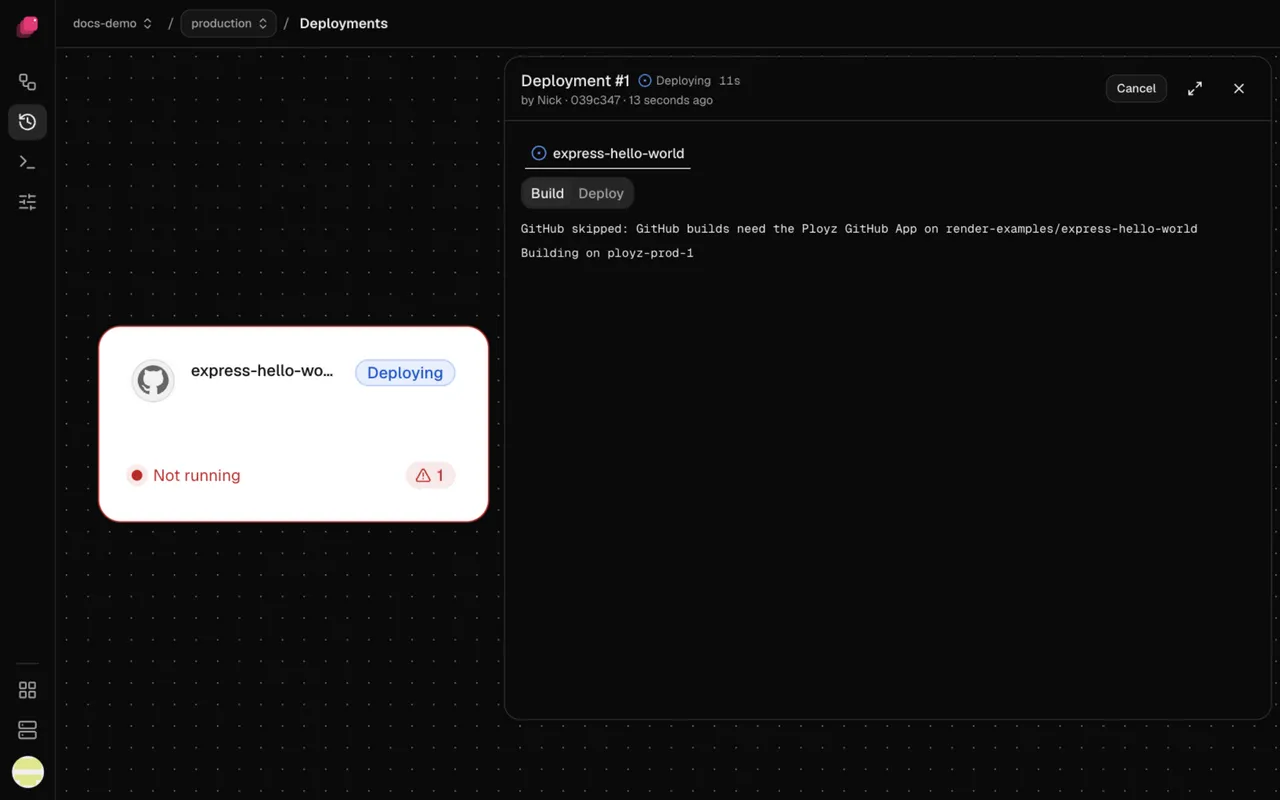
Section titled “See a deployment's logs”- Open the deployment from Deployments in the sidebar, or from Logs in the bottom bar while it runs.
- Click the service's tab.
- Pick Build or Deploy.
Build shows the build output. A Docker image service has no build. Deploy shows what the new containers printed, including the pre-deploy command. See Deployments.
Good to know
Section titled “Good to know”- Logs stay on your servers, for a while. Ployz doesn't copy them anywhere else. Each container keeps its most recent lines (if Docker was on the server before Ployz, your Docker log settings decide how many), and each build keeps the end of its output. To search or keep logs for longer, send them from your app to a log service.
- A deploy clears the old logs. When a deploy replaces a container, its logs go with it, so an older deployment's Deploy tab ends up empty. A replica that failed its deploy keeps its logs.
- When your servers are offline, the page says Your servers are offline and keeps the last lines they sent.